Stego-Lab Press Kit
Summary
Stego-Lab is an app that combines steganography, EXIF metadata editing, visible and invisible watermarking, decoding, and batch image workflows in one structured tool.
Short Description
Professional image privacy workflows in one structured tool.
Long Description
Stego-Lab is designed for users who need more control over images than a normal editing app offers. It supports hidden payload workflows, visible and invisible watermarks, metadata editing, decoding, and batch-based export paths in a single app.
The app is intended for creator workflows, controlled image distribution, technical image handling, and metadata-aware export scenarios.
Core Areas
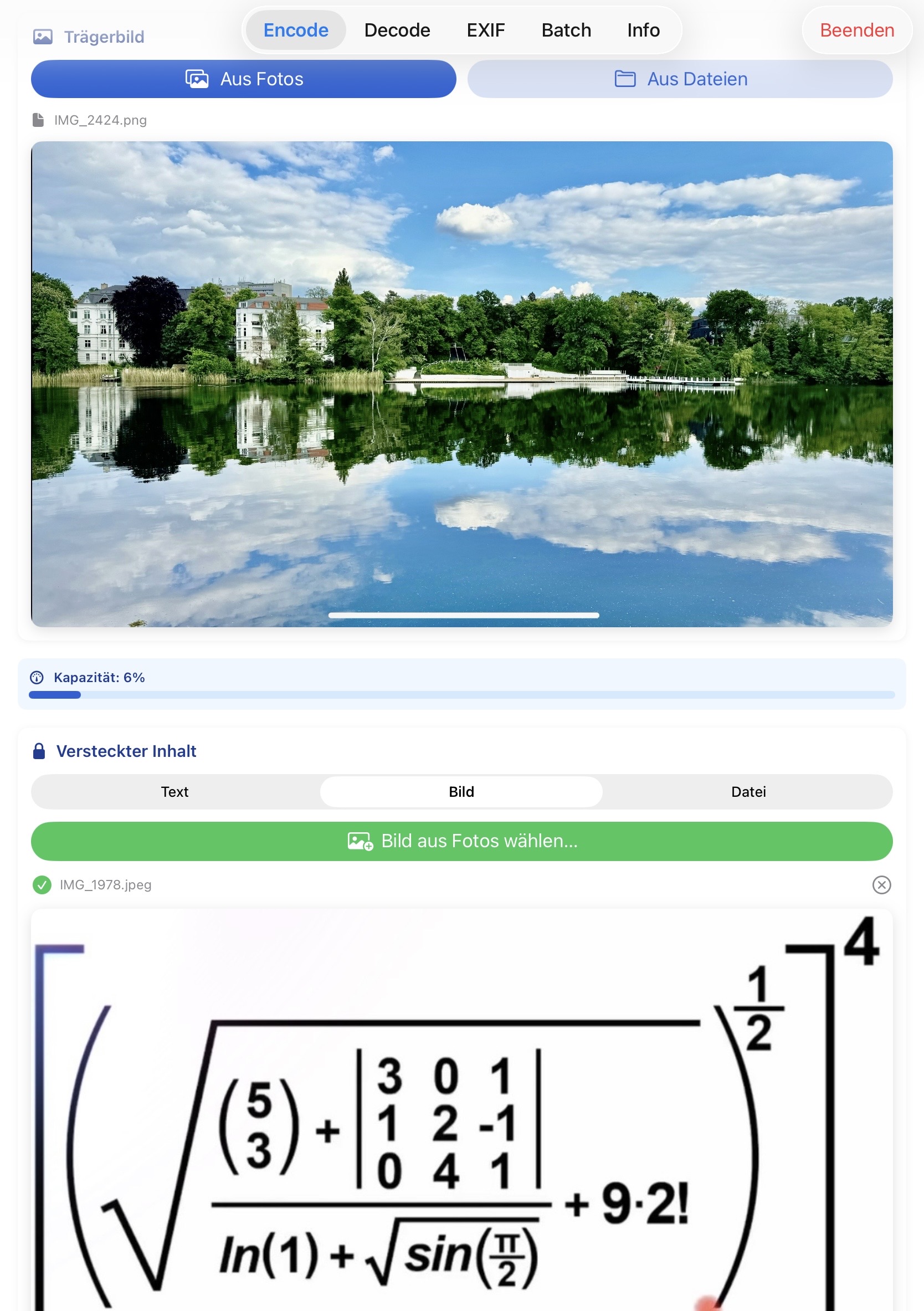
Encode: hide text, images, or files inside carrier images- 🌟
Direct capture(v1.1): shoot a photo with the camera and hide it inside the carrier in one step — RAM-only pipeline, no photo library detour, on-device quality slider for live capacity tuning. macOS supports iPhone-as-camera via Continuity. Decode: recover hidden text, images, or filesEXIF: inspect, edit, and re-save metadataBatch: process multiple images with visible, invisible, or combined watermarksInfo: support, app summary, and upgrade path- 🌟
AI Labelling(v1.1): one-click preset writes a visible label, machine-readable metadata, and optionally a robust invisible layer per EU AI Act Art. 50; Decode/EXIF detect existing labelling.
Key Selling Points
- 🌟 One-step capture-and-hide — the only steganography app on the Mac/iPhone App Store that captures a photo and embeds it into a carrier without ever writing the capture to disk
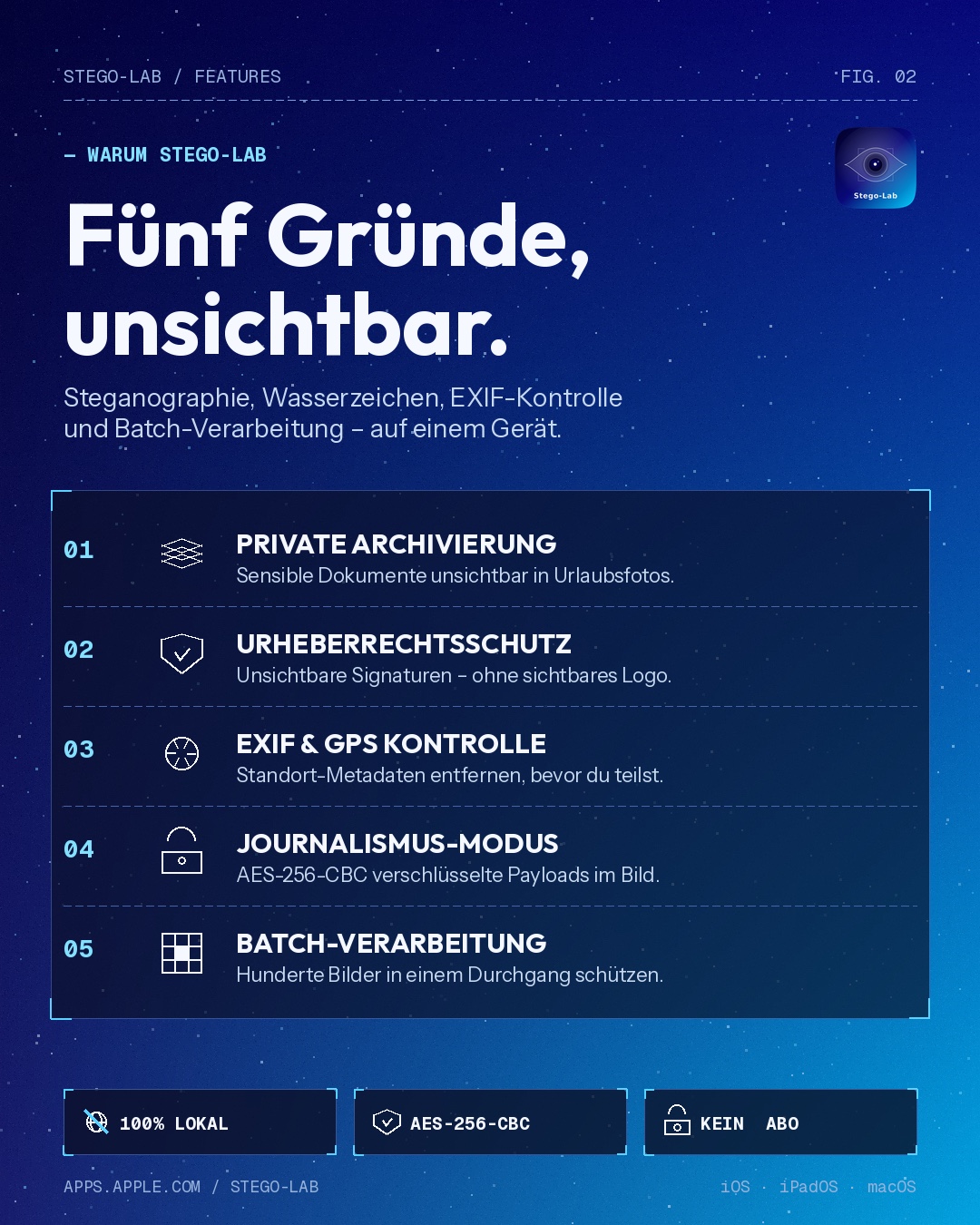
- multiple image privacy workflows in one app
- on-device image handling
- visible and invisible watermarking in one product
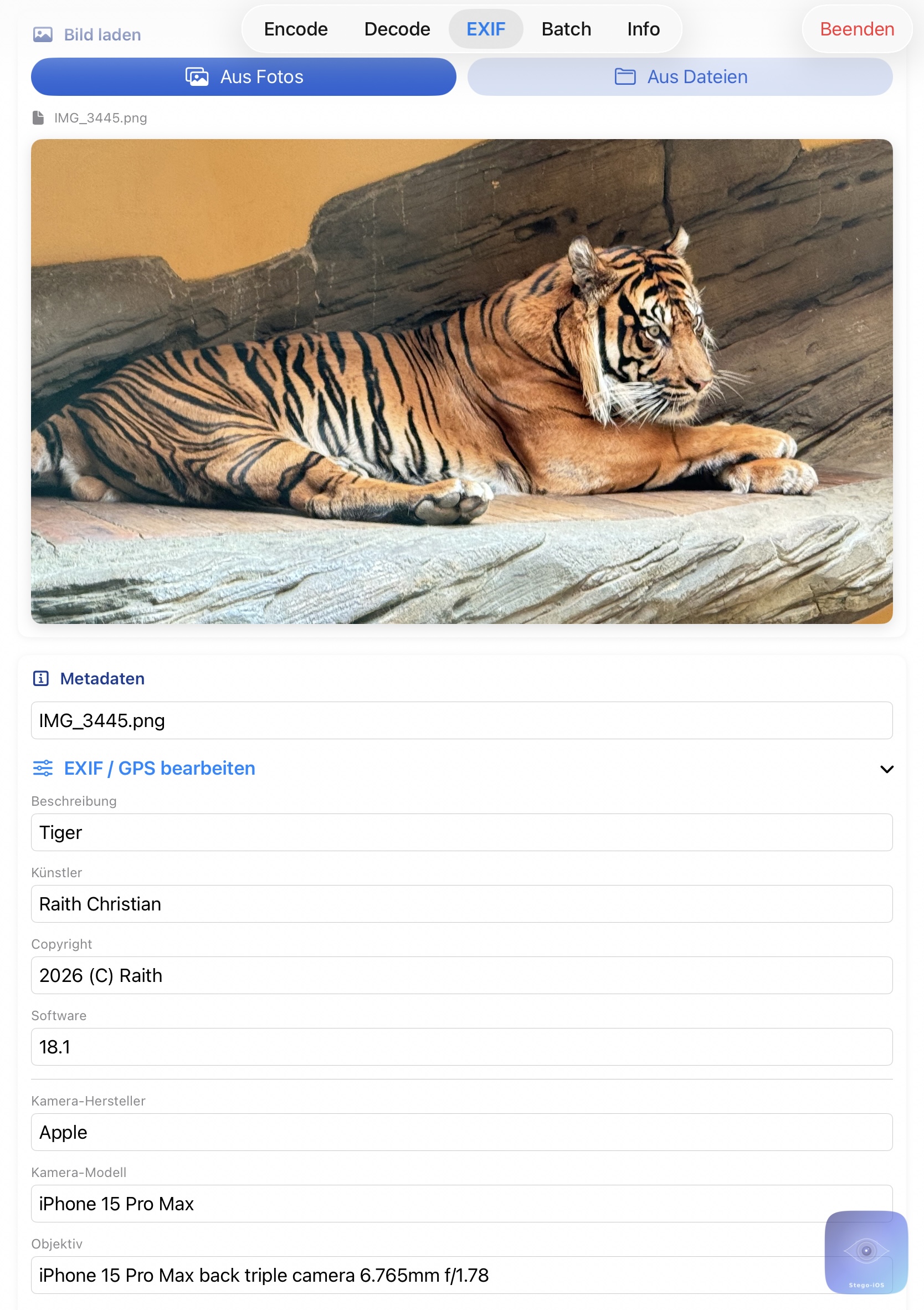
- EXIF, TIFF, and GPS editing
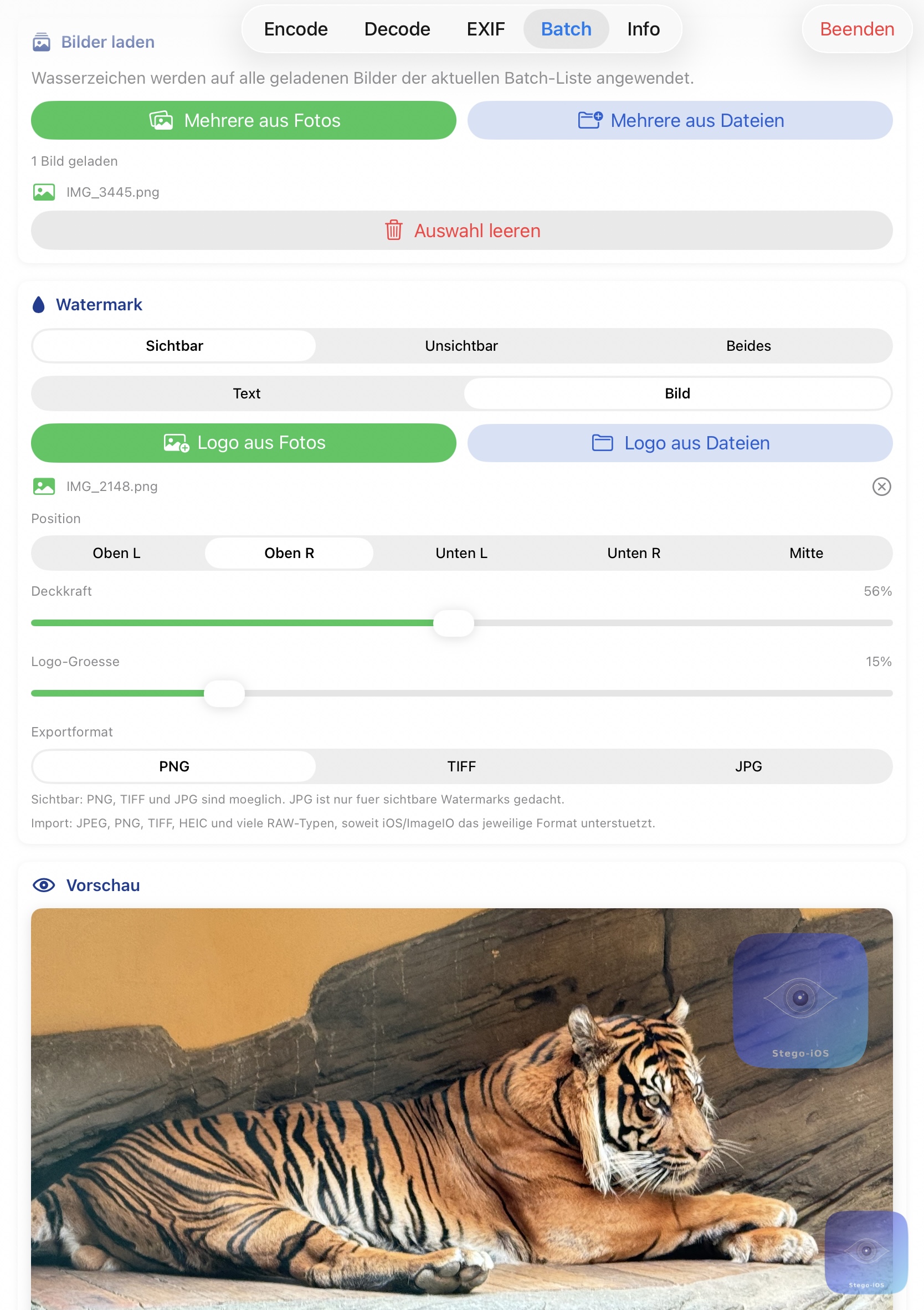
- batch workflows for repeated exports
- lossless export support for stego-safe use cases
- Art. 50-ready: label AI images with one click
- One click deletes all metadata – pixels and color profile stay intact
Platform
- macOS
- iPhone
- iPad
Store Positioning
- App model:
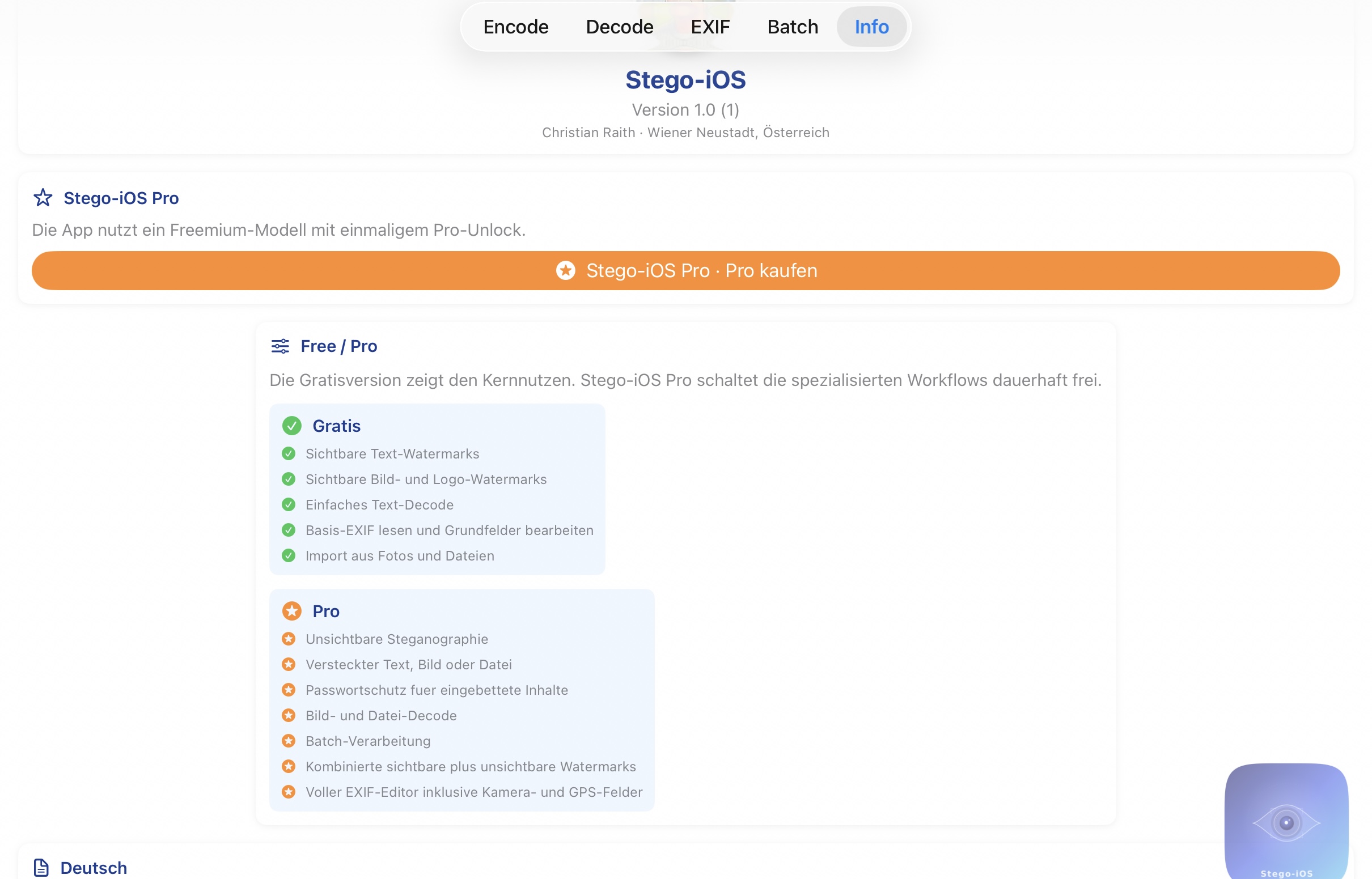
Free + Pro-Version - Planned Pro product identifier:
com.raith.photovault.pro - Recommended Pro price direction:
14.99 EURat launch, later19.99 EUR
Supported Formats
- Import:
JPG,PNG,TIFF,HEIC, manyRAWvariants depending on system support - Export for invisible payloads:
PNG,TIFF - Export for visible-only workflows:
PNG,TIFF,JPG
Media Assets
The following image assets are available for press and media use. Click a filename for direct download.
App Icon
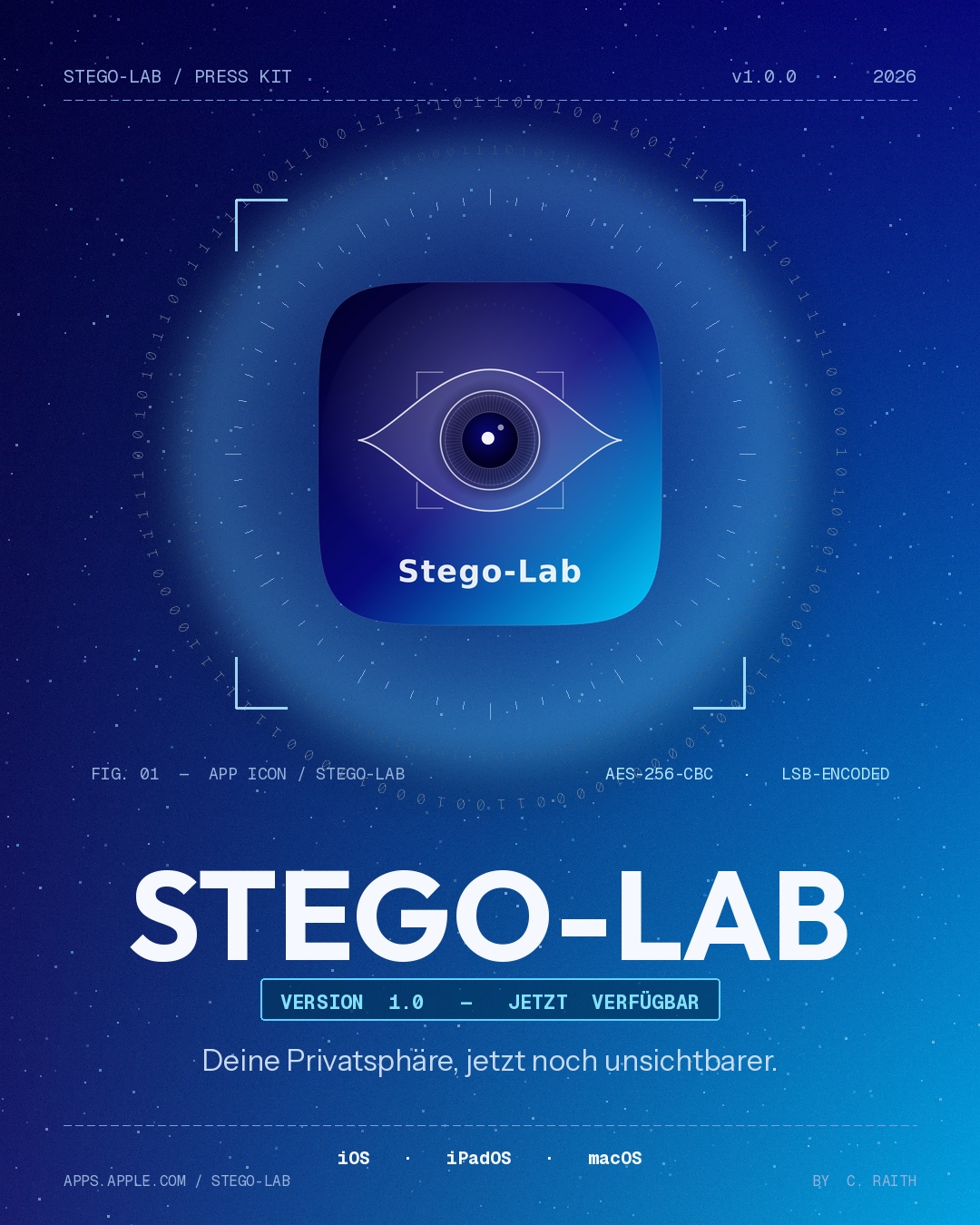
- app-icon-stego-lab.png — Main app icon (PNG)
- app-icon.png — Alternative app icon (PNG)
Screenshots
- encode-formula.jpg — Encode formula screenshot
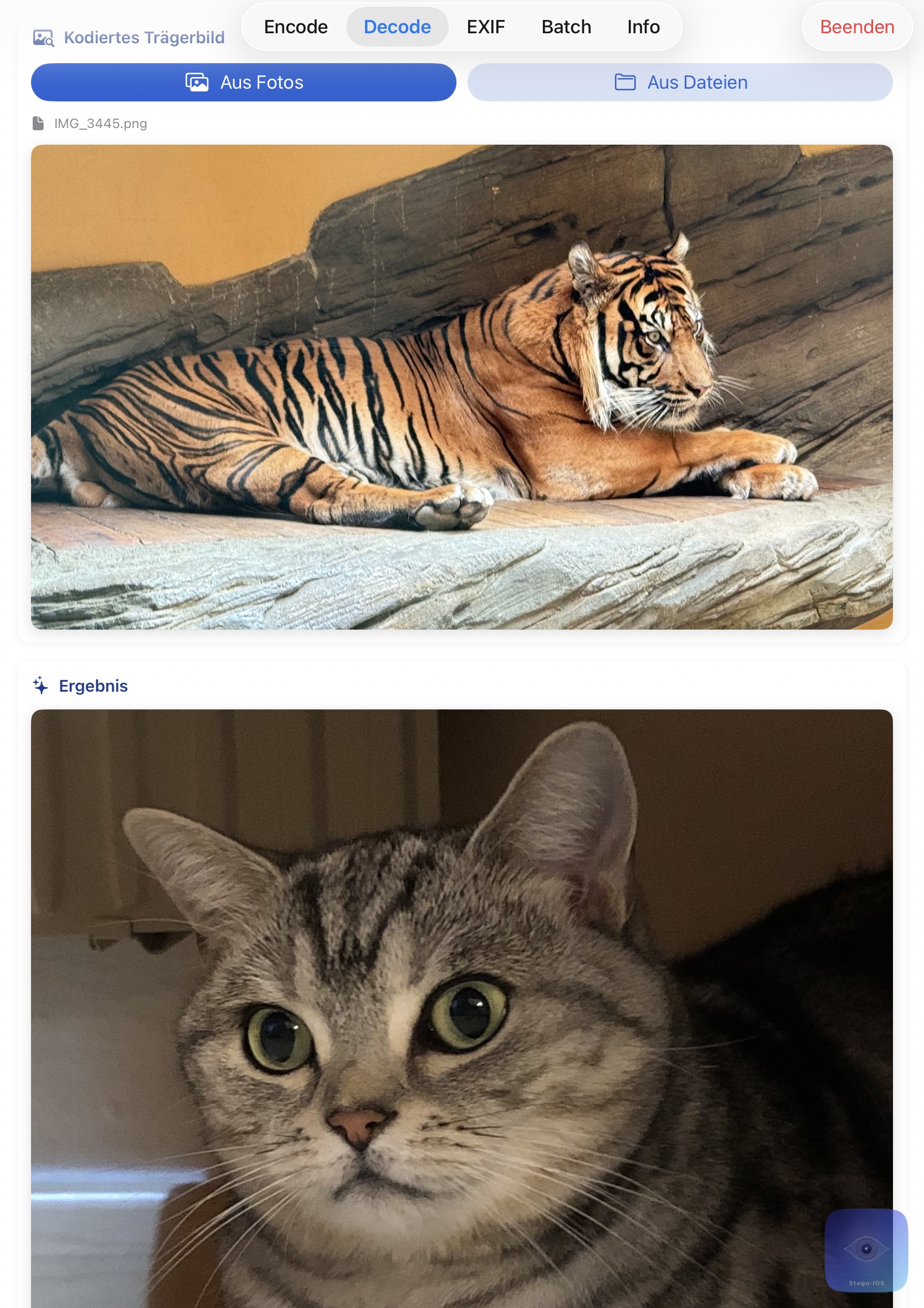
- decode-formula.jpg — Decode formula screenshot
- exif-edit.jpg — EXIF editor screenshot
- batch.jpg — Batch processing screenshot
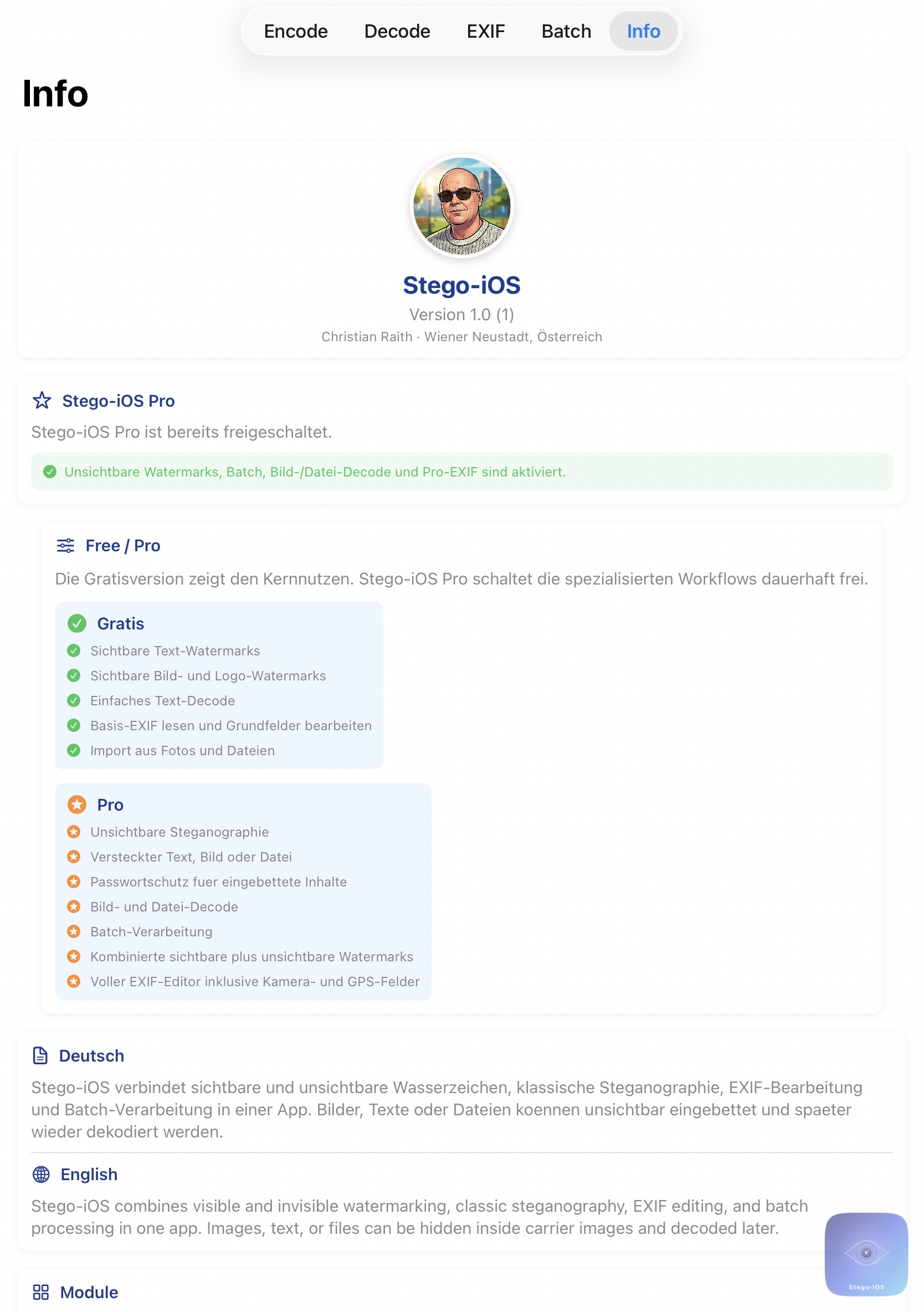
- info-summary.jpg — Info & capacity screenshot
- warum-app-icon.jpg — App icon overview
- warum-features.jpg — Feature overview
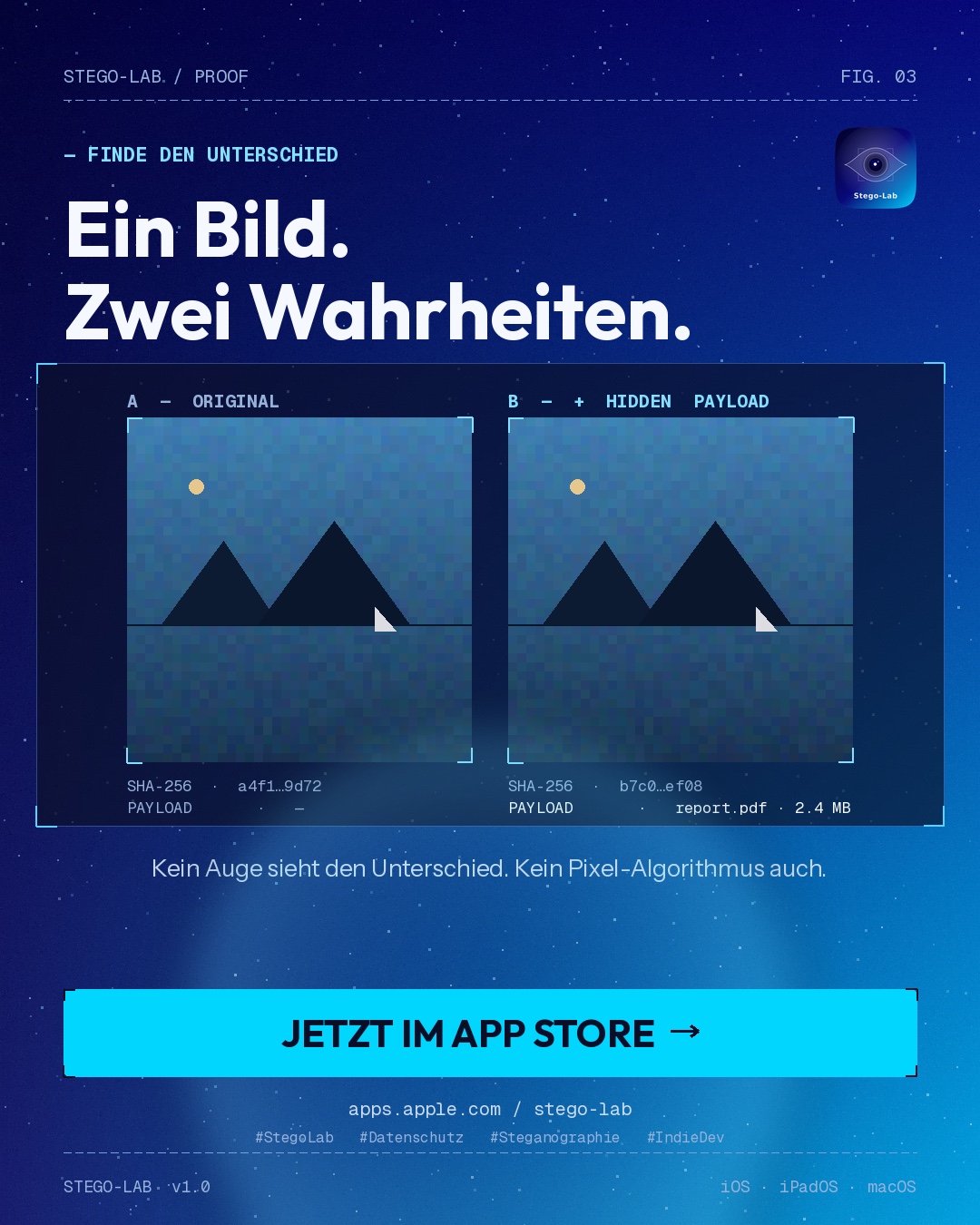
- warum-proof.jpg — Original vs. Stego comparison
- result-tiger-cat.jpg — Decode result
- result-tiger-demo.png — Demo result
- upgrade-to-pro-version.jpg — Pro upgrade screen


Documentation
The user manual (48 pages, A4) is available in four languages and covers every feature, including AI labelling under EU AI Act Art. 50.
- Stego-Lab_Manual_en.pdf — English
- Stego-Lab_Handbuch.pdf — Deutsch
- Stego-Lab_Manuel_fr.pdf — Français
- Stego-Lab_Manual_es.pdf — Español
Links
- GitLab: https://gitlab.com/RaithChr/stego-lab
- Project Page: https://www.craith.cloud/stego-lab/en/
- Privacy Policy: https://www.craith.cloud/stego-lab/en/privacy-policy.html
- Support: https://www.craith.cloud/stego-lab/en/support.html
- License: https://www.craith.cloud/stego-lab/en/license.html (MIT)
Creator
Christian Raith
Wiener Neustadt, Austria
- GitLab: https://gitlab.com/RaithChr
- Support email: stego-lab@proton.me
- Buy Me a Coffee: https://www.buymeacoffee.com/christianraith
- PayPal: https://paypal.me/christianraith151