Stego-Lab App Icon

Stego-Lab

Steganography · EXIF · Watermarking · Decoding · Batch

Hide messages inside images, strip GPS metadata and protect your work — all locally on iPhone, iPad and Mac. No cloud backend, no tracking.

iPhone · iPad · macOS Encode · Decode · EXIF · Batch Free + Pro Unlock
0 external requests · on-device · Open Source (MIT)

What Stego-Lab does

An end-to-end, privacy-focused image workflow — encrypting, decoding, metadata and watermarking in one app.

🔒

Encode

Hide text, images or files inside a carrier image — content AES-encrypted with your password.

🔓

Decode

Recover hidden content from encoded images — text, image and file.

🗺️

EXIF & GPS

Read, edit and re-save EXIF, TIFF and GPS metadata locally. Strip GPS on demand.

💧

Watermarking

Visible and invisible watermarks in one tool — for creators and archives.

🗂️

Batch

Repeatable visible, invisible or combined watermarks across many images.

🛡️

On-device

All image processing stays local on the device — no upload, no cloud backend.

🌟

Direct capture (Pro)

Shoot a photo with the camera and hide it inside the carrier in one step — RAM-only, no detour through the photo library. macOS supports Continuity Camera (iPhone as external cam). A live quality slider balances resolution against the carrier’s capacity.

Why Stego-Lab?

Stego-Lab app icon with eye logo — version 1.0, available for iOS, iPadOS and macOS
Everything in one app — instead of 5 separate tools
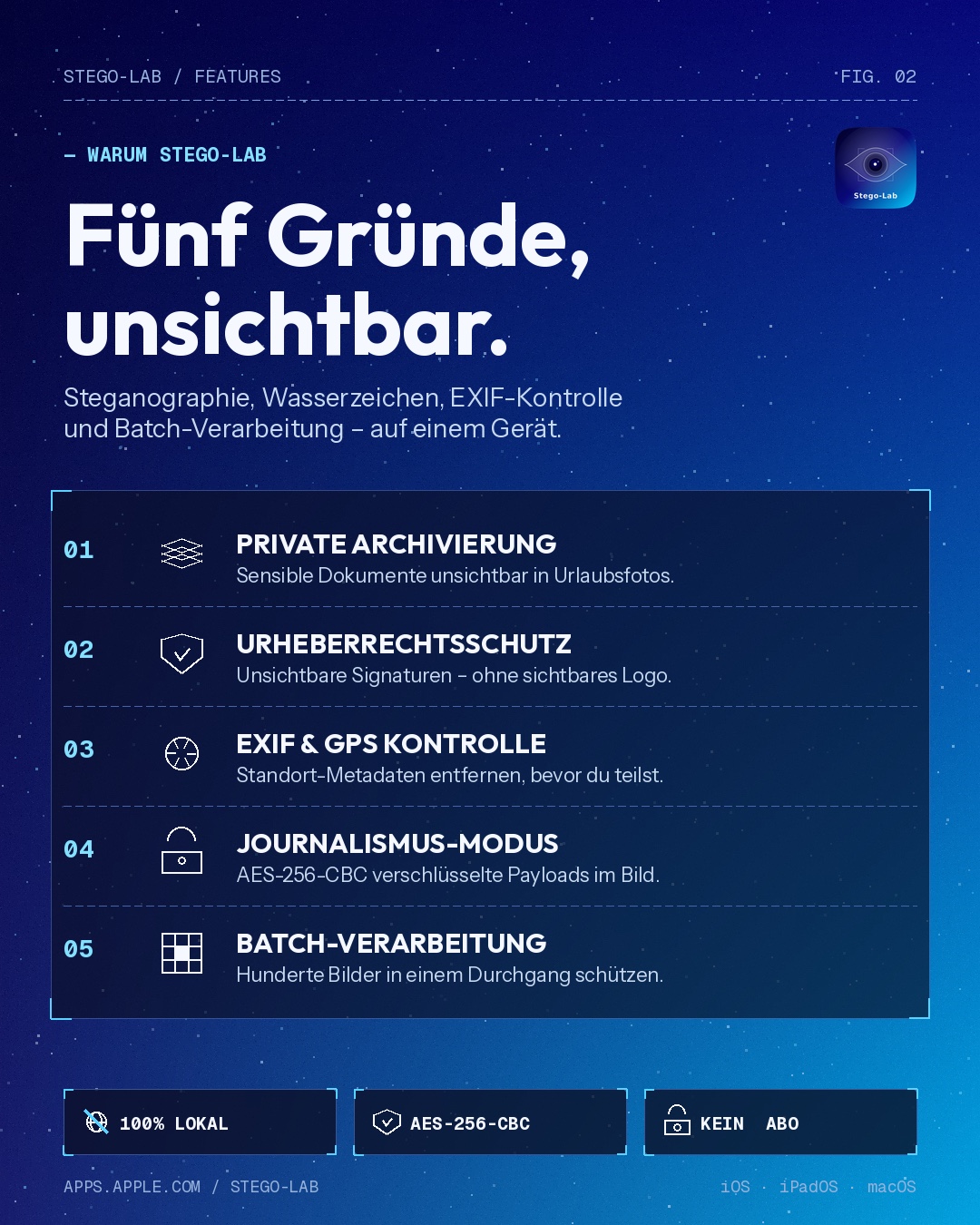
Five reasons for Stego-Lab: steganography, watermarking, EXIF control and batch processing — all local on one device
100% private — offline, no cloud, no tracking
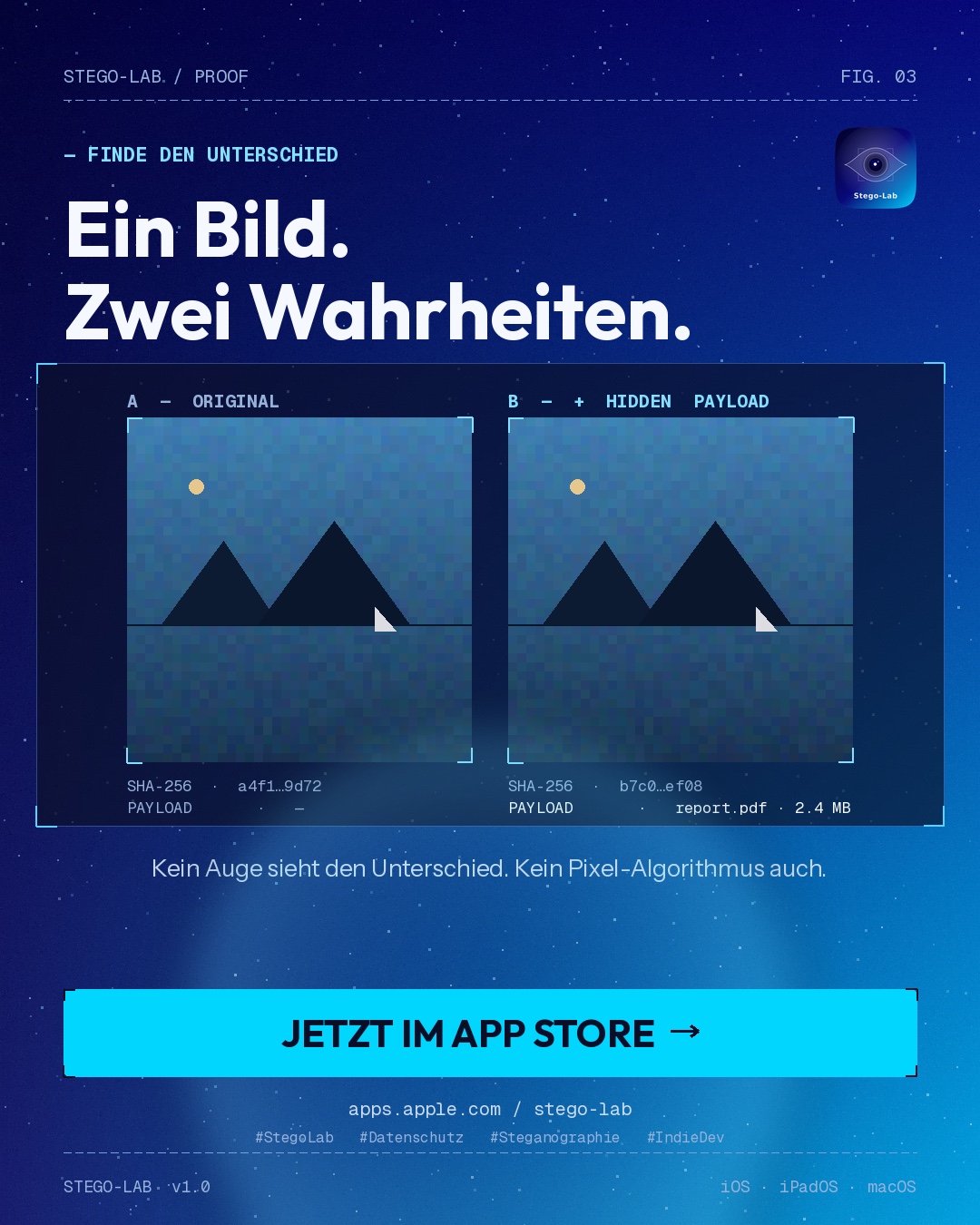
Original versus image with hidden payload — no visible difference, AES-256-CBC encrypted
Start free — unlock Pro as a one-time purchase

Free & Pro

Start fully free — Pro unlocks the advanced workflows.

Free

  • Visible watermarks
  • Simple text decode
  • Basic EXIF read & edit
  • Import from Photos and Files
  • Visible export workflows

Pro

  • Invisible steganography
  • Image and file decode
  • Password-protected payload workflows
  • Batch workflows
  • Full EXIF editor including GPS

Positioning

Stego-Lab is a native app for iPhone, iPad and Mac that combines four specialised tool areas: steganography, watermarking, EXIF/metadata editing and batch image processing. All data is processed strictly on device — no cloud, no external servers.

Why it feels different

Focus What Stego-Lab offers
On-device image handling stays local on the device
Technical control stego-safe export logic, metadata editor, batch workflows
Creator utility visible and invisible watermarking in one tool
Clear workflows Encode, Decode, EXIF, Batch and Info stay cleanly separated

Export logic

Workflow Recommended export Why
Invisible payloads PNG, TIFF lossless formats keep embedded content reliable
Visible-only output PNG, TIFF, JPG JPG is fine if no hidden payload must survive
Import JPG, PNG, TIFF, HEIC, many RAW variants depends on iOS and ImageIO support

What steganography can — and cannot — do

Stego-Lab encrypts the content of a hidden payload (AES with your password). It does not make the payload statistically invisible — the existence of a stego channel can be detectable with standard analysis (e.g. RS analysis, chi-squared tests). In short: the content is protected, the presence of a stego channel may be statistically detectable. See Security Notes for scope, tested classes and known limits.

Security & License

The 2026-04-10 repository audit covers the full macOS + iOS + shared engine codebase and found 0 critical, 0 high, 1 medium and 6 low findings after the PV2 crypto migration.

Stego-Lab is released under the MIT License (SPDX: MIT). Full text and a German note on the License page; the binding copy lives in the repository root. Copyright (c) 2026 Christian Raith.

More for press and media: Press Kit · Privacy Policy · Downloads.

Creator & Support

Christian Raith — Wiener Neustadt, Austria

Report security issues privately to stego-lab@proton.menot in a public GitLab issue. See SECURITY.md and /.well-known/security.txt (RFC 9116).
Share this page

Scan the code to open Stego-Lab on another device.

QR-Code: www.craith.cloud/stego-lab
www.craith.cloud/stego-lab